
Register what is arriving
Add a supplier name, order reference, and item description so an arrival can be matched to your account.

Register supplier orders, review warehouse arrivals, bring eligible parcels together, and choose the next delivery step from one customer workspace.

Look up recorded booking and operations updates. External carrier tracking is not connected yet.
Grand Bell brings purchase details, warehouse review, consolidation requests, and delivery choice into one customer workspace.
Add a supplier name, order reference, and item description so an arrival can be matched to your account.
See recorded parcel dimensions and the assigned shelf number, then confirm receipt or tell the warehouse team what needs attention.
Request a bike for eligible loads or a bus when a package exceeds the configured bike limits.
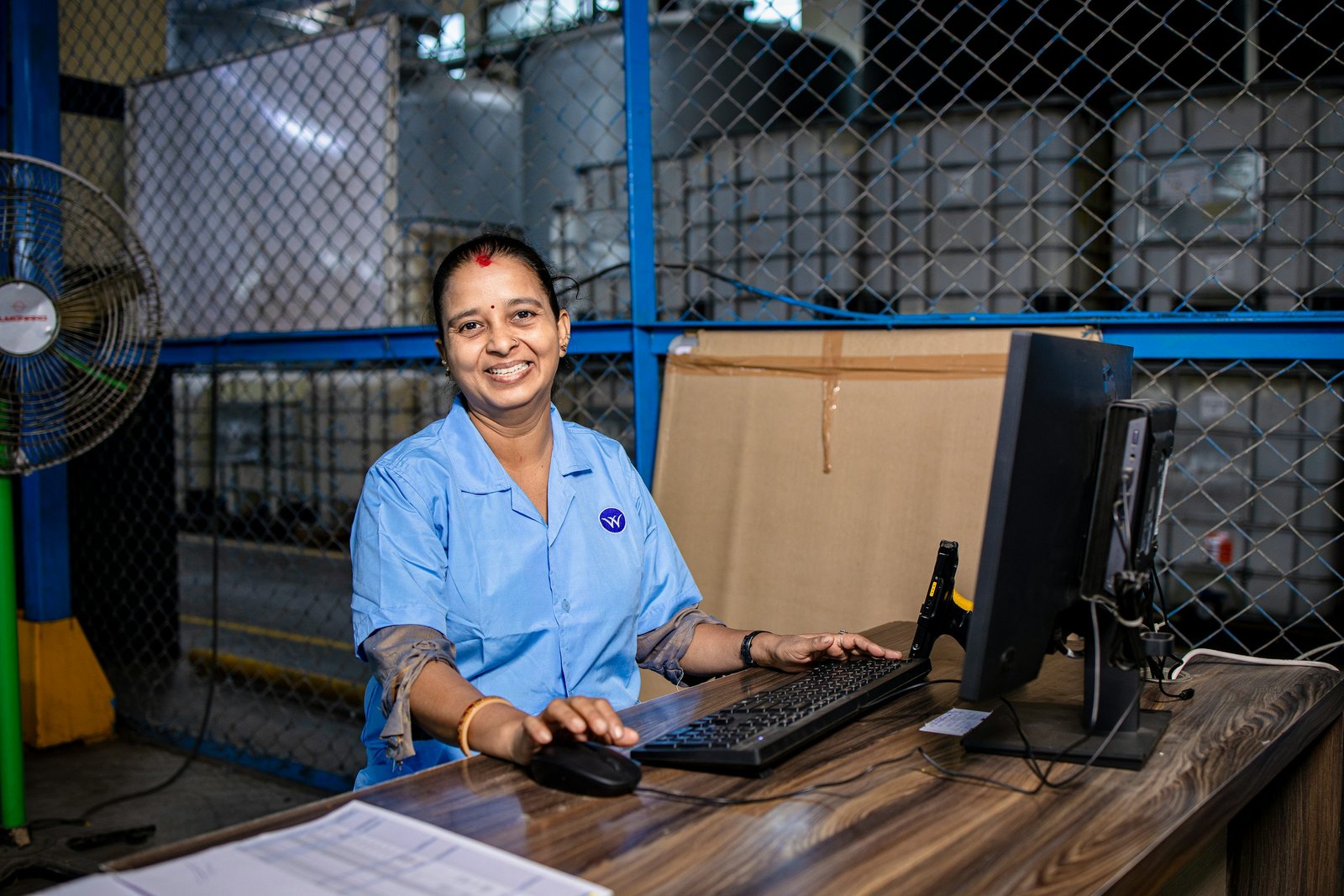
Supplier orders, parcel receipt, assigned shelf numbers, review, and delivery booking each have a place in your account.
Tracking shows Grand Bell booking and operations updates. Live carrier scans, dispatch, prices, and delivery promises appear only when the business configures the relevant service.
Explore the journeyRegister purchases, confirm what arrives, then request the next logistics step.
Use an email address and password. Google sign-in is optional when enabled.
Keep incoming purchases together in one account.
Confirm parcel details and the assigned shelf number, or report an issue.
After operations prepares the consolidation, enter the load size and choose a bike or bus.
Create an account or sign in with an email address and password. Google sign-in is optional when enabled.